
Why Every Dentist Needs a Solid Backup Strategy
In a world driven by data, it’s hard to overstate the importance of having a solid backup strategy for your dental practice. While it may not be the most glamorous part of running your business, ensuring that your data and systems are secure and recoverable is critical for maintaining patient trust, meeting compliance standards, and avoiding costly disruptions.
Let’s delve deeper into why backup strategies are indispensable for dentists and explore the key steps to creating a system that works for your practice.
The Importance of Data in Dental Practices
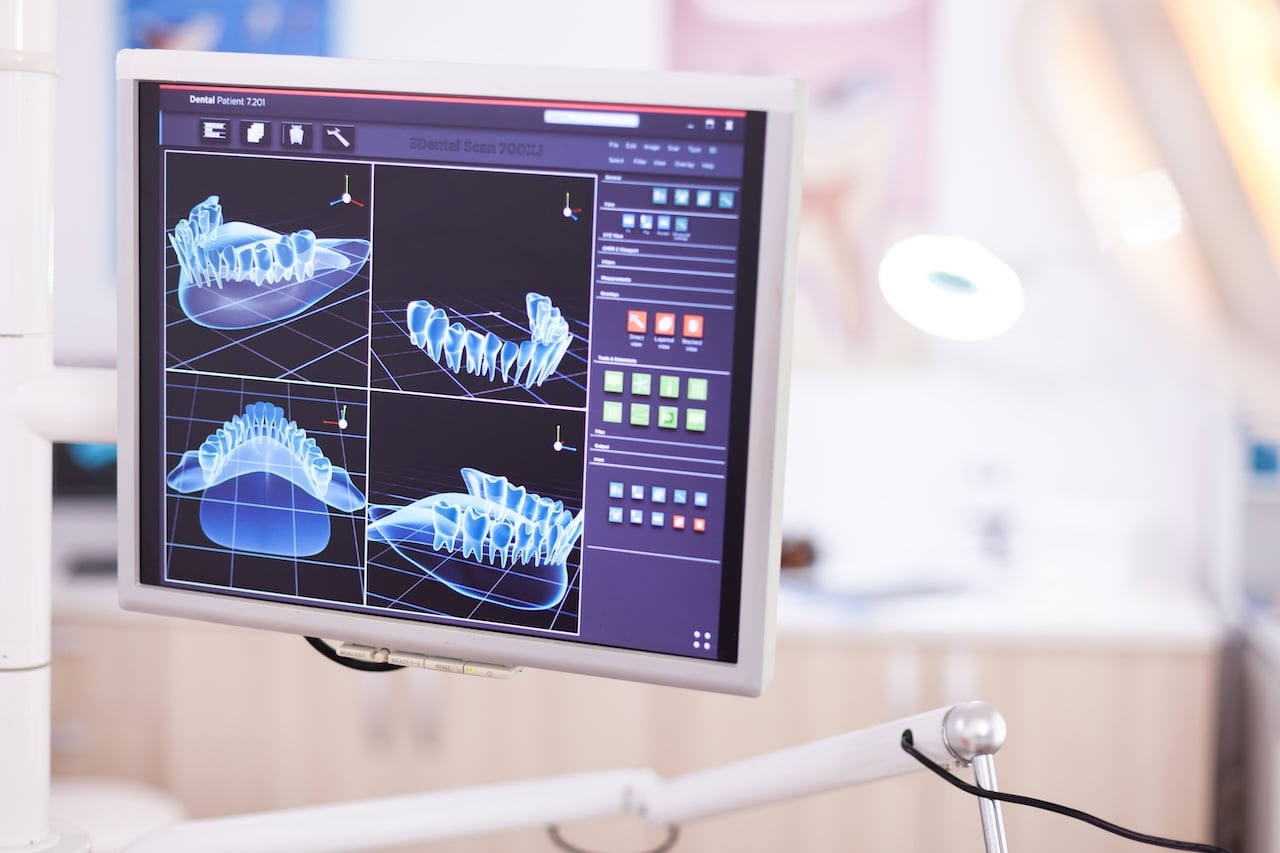
Dental practices today rely heavily on digital records and systems. Patient files, appointment schedules, billing information, and even diagnostic imaging are stored electronically. While this approach offers greater efficiency and accessibility, it also introduces risks.
Imagine losing all your patient records overnight due to a hardware failure, cyberattack, or natural disaster. Restoring those files without a solid backup strategy could take days, weeks, or might even be impossible. Resources spent on rebuilding lost information or dealing with legal ramifications could significantly disrupt your business.
A robust backup plan ensures you are prepared for any eventuality, allowing your dental practice to recover quickly with minimal downtime.
Common Threats That Highlight the Need for Backups
To understand the value of a backup strategy, let’s look at some common threats faced by modern dental practices:
- Cybersecurity Breaches: With growing threats like ransomware attacks, your data could be locked or stolen, putting sensitive patient information at risk.
- Human Errors: Even the most diligent staff members can make mistakes, like accidentally deleting essential files or mishandling administrative tools.
- Hardware Failures: Computers and servers don’t last forever. A sudden hardware malfunction can lead to data loss if backups are not in place.
- Natural Disasters: Floods, fires, or severe weather events could physically damage your office and its systems, wiping out years of patient data.
By proactively addressing these potential threats with sound backup strategies, you protect both your patients and the long-term stability of your practice.
How to Build a Strong Backup System for Your Dental Practice
Now that we’ve established why backups are vital, let’s focus on building a dependable system tailored to the needs of your dental practice.
1. Assess Your Current System
Begin with a thorough assessment of your data storage practices. Identify what patient data, financial records, and other files need protection. Determine whether you currently have any backup solutions in place; if so, evaluate their effectiveness and reliability.
2. Choose the Right Backup Methods
It’s best to have a combination of local and cloud backups. Local backups involve physical storage devices (like external drives), while cloud backups provide secure, remote storage. Using both ensures redundancy, making your data accessible even if one method fails.
3. Schedule Regular Backups
Having a backup system isn’t enough—you must ensure backups are done consistently. Automating daily or weekly backups reduces human error, ensuring your most recent files are always available in case of an emergency.
4. Protect Backup Data
Securing your backup data is as critical as backing it up. Use encryption and password protections to ensure only authorized personnel can access sensitive files. For cloud solutions, select providers with a proven track record of security compliance.
5. Test Your Recovery Plan
The true measure of an effective backup strategy is the ability to restore data quickly. Routine tests help you confirm that your backups are functional and provide insight into optimizing or improving your recovery process.
The Benefits of Staying Prepared
Taking the time to implement a solid backup strategy offers peace of mind and several practical benefits:
- Regulatory Compliance: Dental practices must adhere to strict data protection regulations, such as HIPAA. A backup system demonstrates your commitment to protecting patient privacy.
- Business Continuity: In the event of disruptions, your backup system minimizes downtime, ensuring your dental practice can continue operating smoothly.
- Patient Trust: A well-protected practice inspires confidence in your patients, demonstrating that their sensitive information is safe.
Final Thoughts
While backup systems might not seem as essential as dental chairs or X-ray machines, they’re just as critical to your practice’s operation and success. Taking proactive steps to secure your data helps you avoid unnecessary stress, maintain compliance, and uphold the trust of your patients.
Don’t wait until disaster strikes—assess your current system, invest in solid backup solutions, and keep your dental practice running smoothly under all circumstances. Your patients, staff, and future self will thank you for it.

