
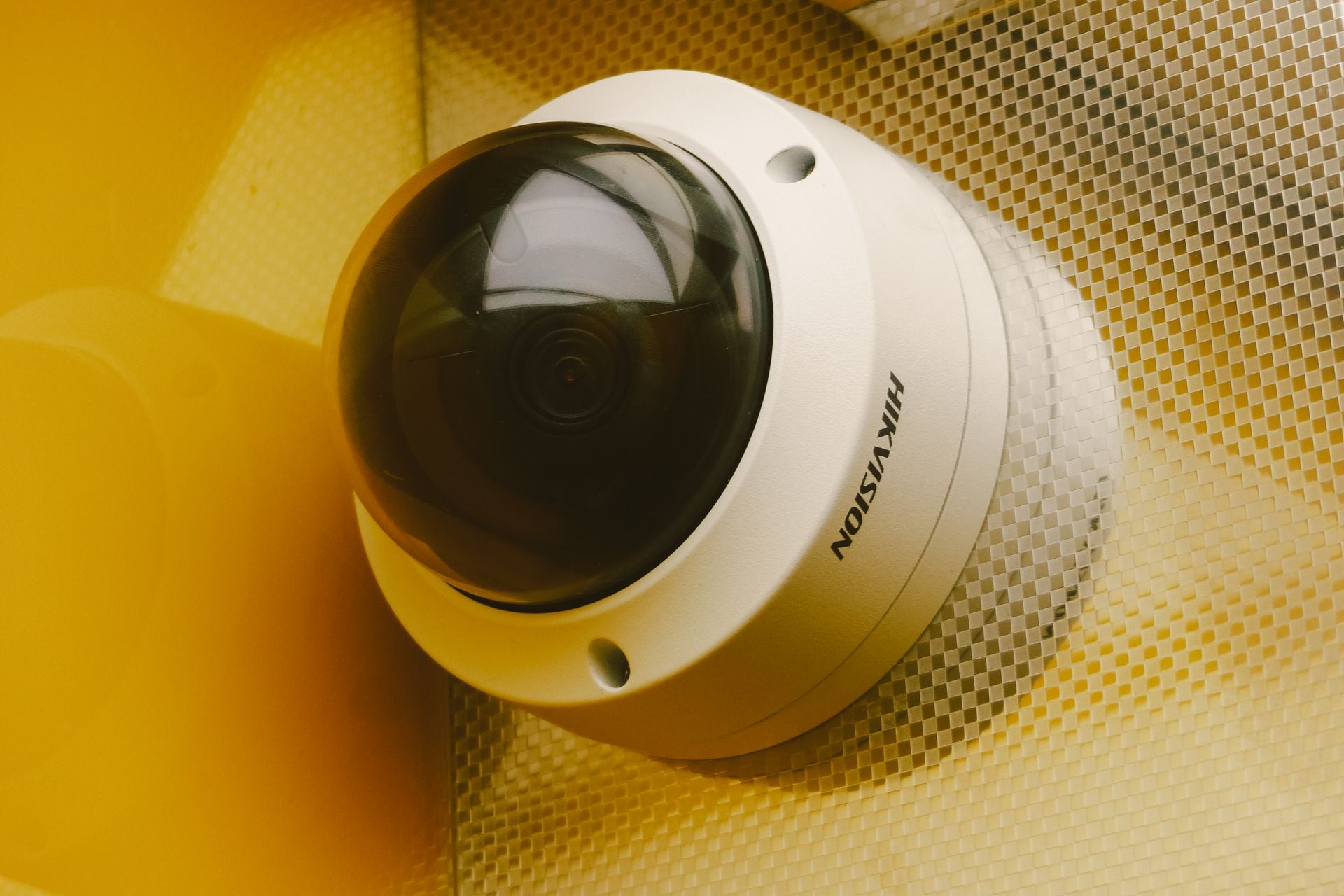
How Many Security Cameras Do You Need
Whether you’re trying to protect a storefront, an office building, or your personal residence, installing a video surveillance system is a smart deterrent against theft and vandalism. But once you decide to upgrade your property’s defenses, you immediately run into a logistical question: how many cameras are actually necessary?
It’s easy to assume that more is always better. However, mounting devices in every conceivable corner is usually an expensive overkill that generates too much footage to reasonably monitor. On the flip side, installing just one doorbell camera leaves massive blind spots that criminals can easily exploit. Finding the sweet spot for your small business security or home monitoring requires a strategic look at your property’s layout.
Start with the Perimeter and Entry Points
The most critical areas to monitor are the places where someone can enter your building. According to law enforcement data, the vast majority of intruders don’t scale walls to get inside. They simply walk through a door or break a ground-floor window.
Your front door, back door, and any side entrances should be your top priority. If you have a garage, a loading dock, or a receiving alley, those also require dedicated coverage. For a standard layout, this usually means dedicating two to four devices strictly to the exterior perimeter. When placing these exterior units, make sure they’re visible. A prominent camera acts as a strong visual deterrent, often encouraging a potential intruder to move on to an easier target.
Account for Square Footage and Layout
Once the main entry points are covered, evaluate the overall size of your property. A compact 1,000-square-foot retail space might only need one or two interior cameras to oversee the sales floor and cash register. In contrast, a sprawling warehouse or a large multi-level home will naturally demand a higher count.
A general rule of thumb used by professionals is to plan for one camera per 500 square feet of interior space, though this varies based on your floor plan. Wide-open spaces can be covered by a single lens, while buildings with narrow hallways, partitioned offices, or multiple stockrooms will need individual units for each divided space to eliminate blind spots.
Protecting Sensitive Internal Areas
Not all square footage is created equal. You need to prioritize the spaces that hold the most value. If you’re securing a commercial property, cameras should be pointed at points of sale, inventory rooms, and areas where data is kept. Maintaining strong physical security around file cabinets and server rooms is just as critical as your digital firewalls. Pointing a camera at your server room or private office ensures you have a record of everyone who accesses your most sensitive information.
For a private residence, interior cameras are typically placed in main hallways, living rooms, or areas where valuables are stored. However, you must always balance security with privacy. Avoid placing cameras in bathrooms or private bedrooms.
Consider the Camera’s Field of View
The hardware you choose directly impacts how many units you have to buy. Older models had narrow viewing angles, forcing owners to install multiple cameras just to monitor a single room. Today, modern surveillance equipment often features wide-angle lenses that can easily capture a 130-degree or 180-degree field of view.
If you invest in high-definition wide-angle cameras or pan-tilt-zoom models, you can cover a massive amount of territory with a single device. Before you add another camera to your shopping cart, check the hardware specifications. Paying a little more for a wider lens might save you from having to purchase, mount, and wire a second camera for the same room.
Integrating with Lighting and Infrastructure
Your cameras are only as good as the lighting around them. If you have dark corners in a parking lot or a poorly lit backyard, standard cameras will struggle to capture usable footage at night. While many modern devices come with built-in infrared night vision, pairing your cameras with motion-sensor floodlights dramatically improves the video quality while startling anyone creeping around your property.
Additionally, you need to think about network capabilities. It’s important to keep physical security devices on a secure network to prevent them from becoming vulnerabilities themselves. If you plan to run several wireless high-definition cameras, ensure your Wi-Fi router has the bandwidth to handle the constant data stream without lagging.
Making Your Final Assessment
Determining your equipment needs comes down to a careful walk-through of your property. Start at the front door and work your way backward, noting every entrance, high-value target, and major gathering space. Most standard properties are well-served by a system of four to eight cameras strategically placed at choke points and wide-open areas. By focusing on quality placement over sheer quantity, you’ll establish a reliable surveillance network that gives you complete peace of mind.

